
Resend a message
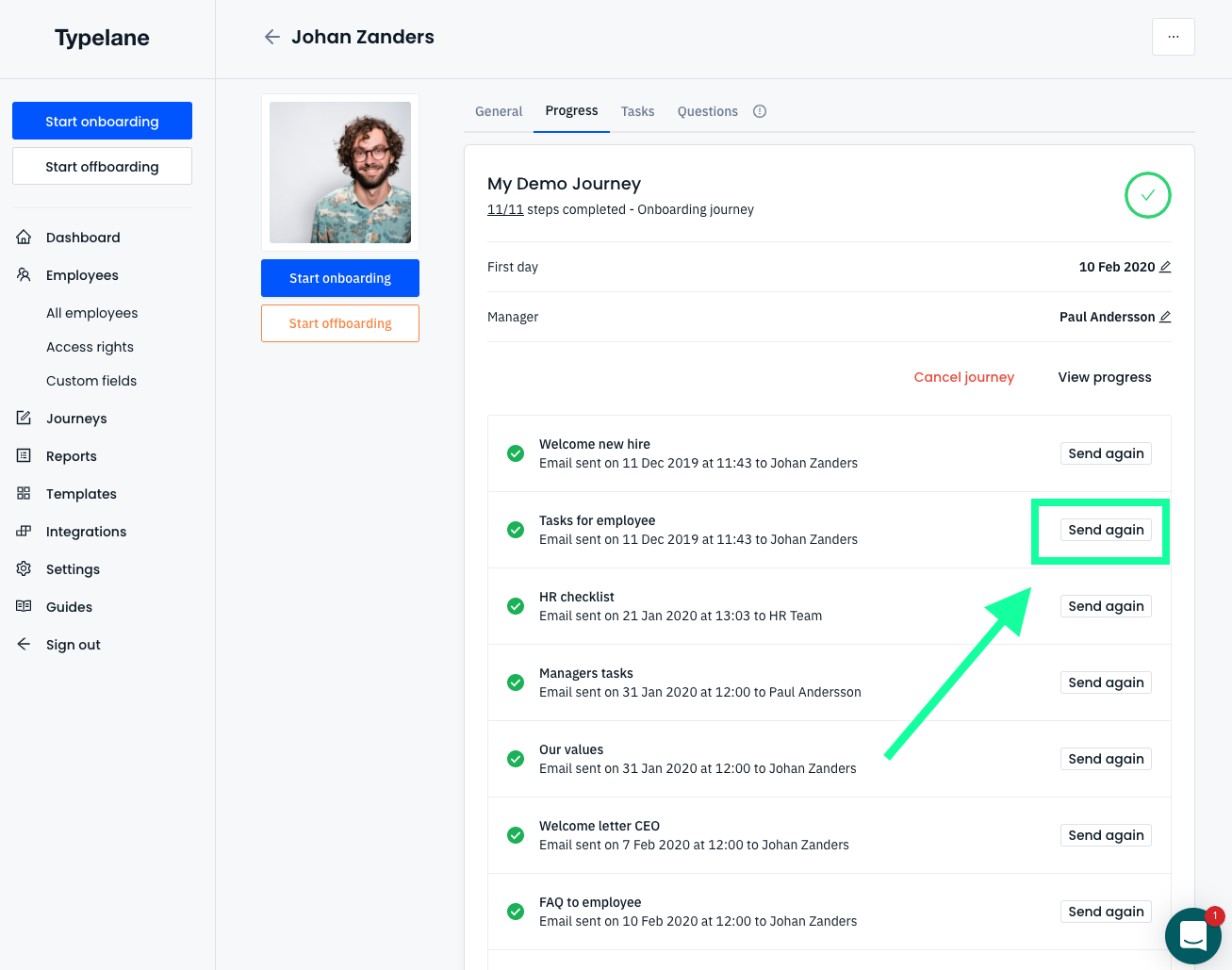
Sometimes you would like to resend a message to either a new hire or someone in their organisation. To resend a message you log in and:
- Navigate to employees
- Choose the employee you would like to see the onboarding for
- Click progress
- Open the onboarding by clicking on it, in this case “my demo journey”
- This will expand all the messages and just click “send again” on the message you would like to resend.