
Answering and deleting questions
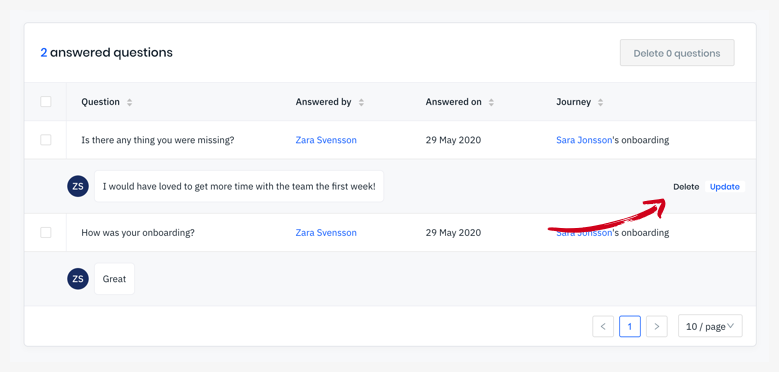
In the Questions report, you as an admin can answer and delete questions and their answers.
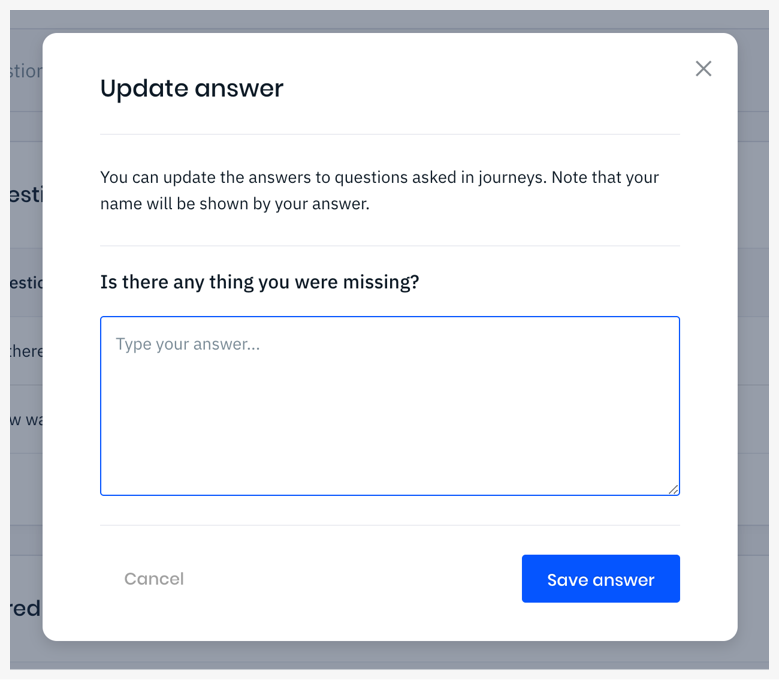
- When you as an admin Answer questions, your name will be listed as Answered by.
- Deleting questions and answers is a permanent action.
Answering questions
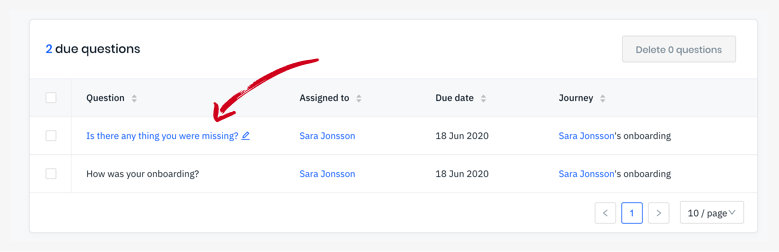
Section titled “Answering questions”Click the question in the table and you’ll be able to leave your answer in the popup. When you as an admin Answer questions, your name will be listed as Answered by.
Delete due questions
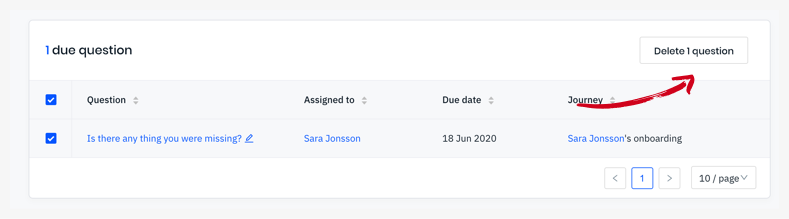
Section titled “Delete due questions”Select the questions you want to delete in the Due questions table, and click the Delete button.
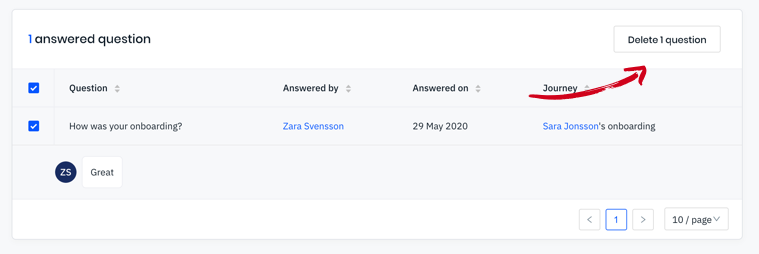
Delete answered questions
Section titled “Delete answered questions”Same as above but in the Answered questions table. This is a permanent action and the employee wont see the question reappear in their employee portal unlike if you delete their answer.
Delete / Update answers
Section titled “Delete / Update answers”You can update an employee’s answer or delete it. If you edit it, your name will be shown as Answered by. If you delete their answer, the question will reappear as Due in the employee’s portal.