
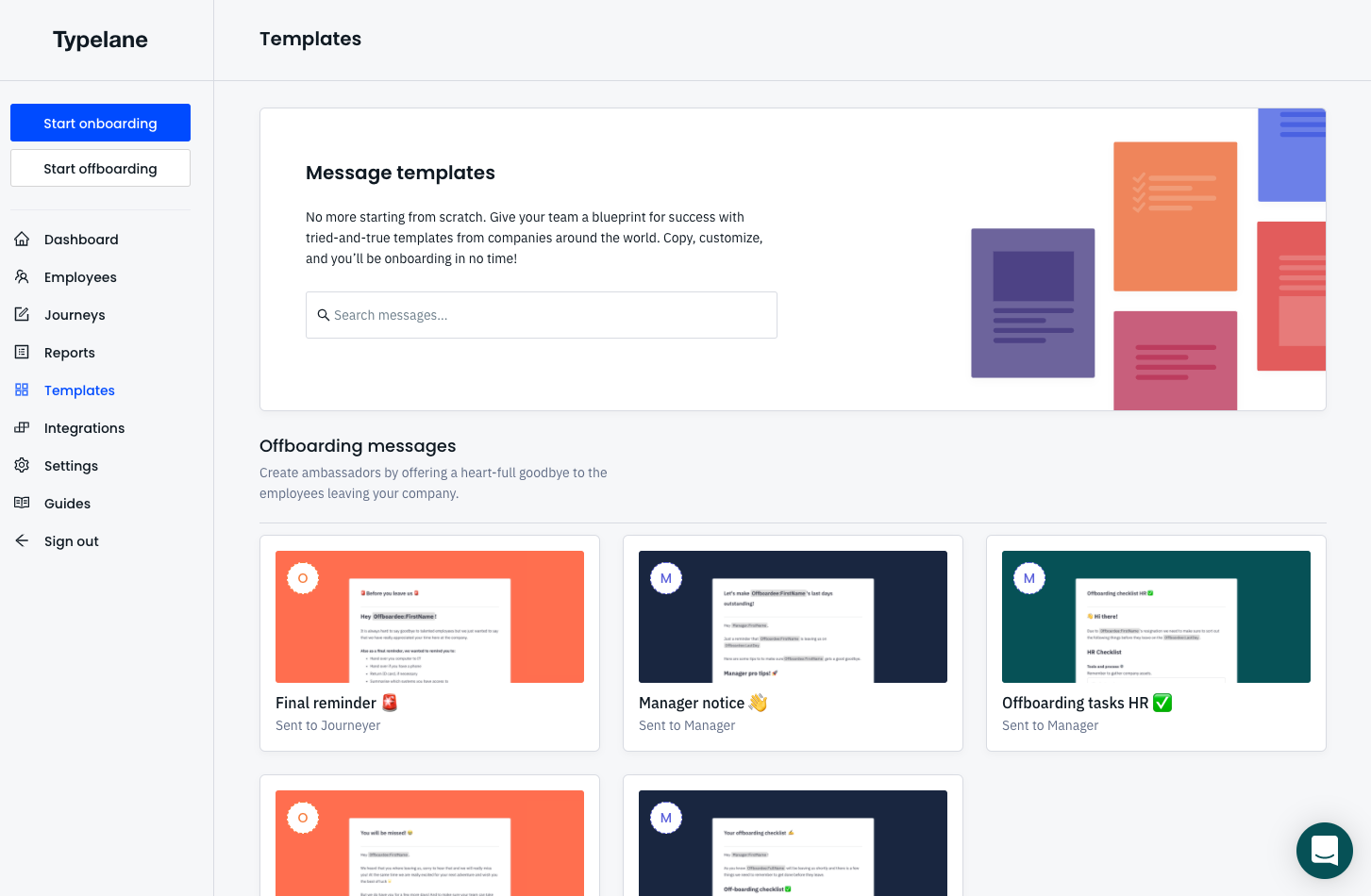
Templates and inspiration
If you are looking for inspiration and tips on how to get started you can simply navigate to templates. Here you’ll find both pre-boarding, onboarding as well as offboarding messages that are tailored for different steps in the process. You can easily add any template to your journey with the click of a button.
How do I add a template to a journey?
Section titled “How do I add a template to a journey?”In order to add a template to a journey you need to:
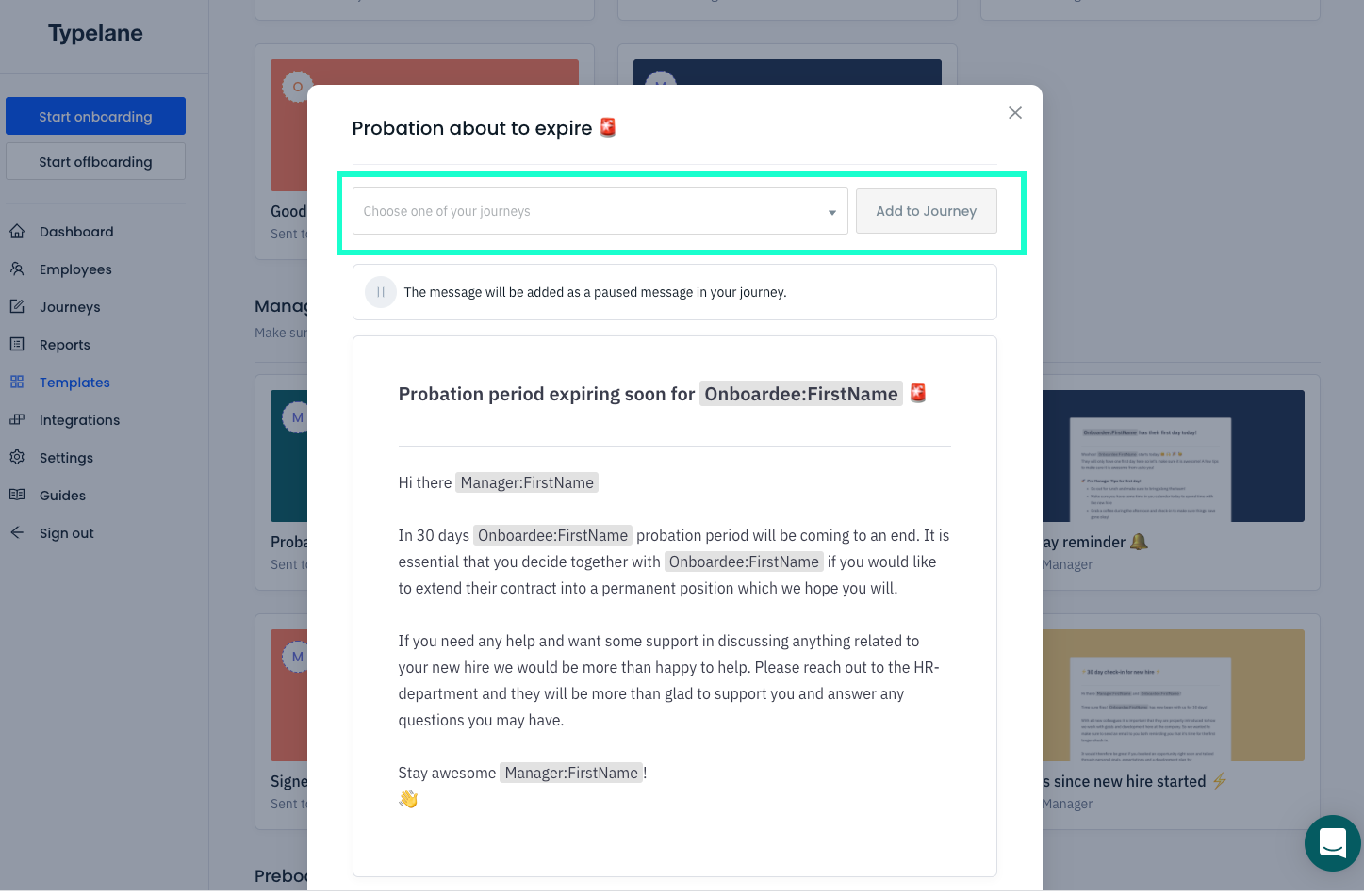
- Click on the template that you would like to add
- Choose which journey to add it to and press “add to journey”
Note that the added message won’t be set “Live”. In order to send it you need to choose recipient, time to send and click “Set message live”.