

Copying a journey
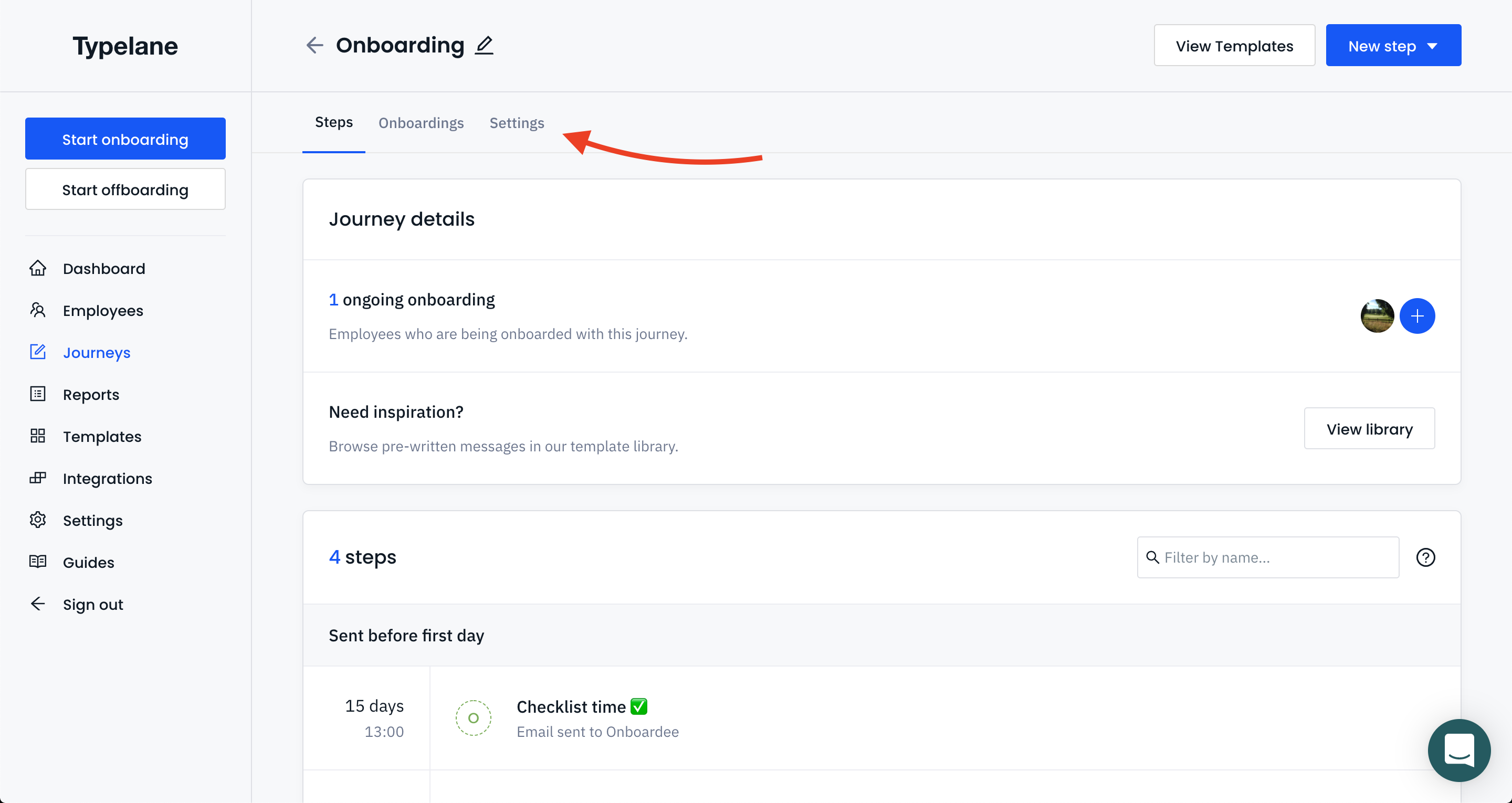
Go to the journey you want to copy and click Settings. At the bottom of the page you’ll find a button labeled Duplicate journey.
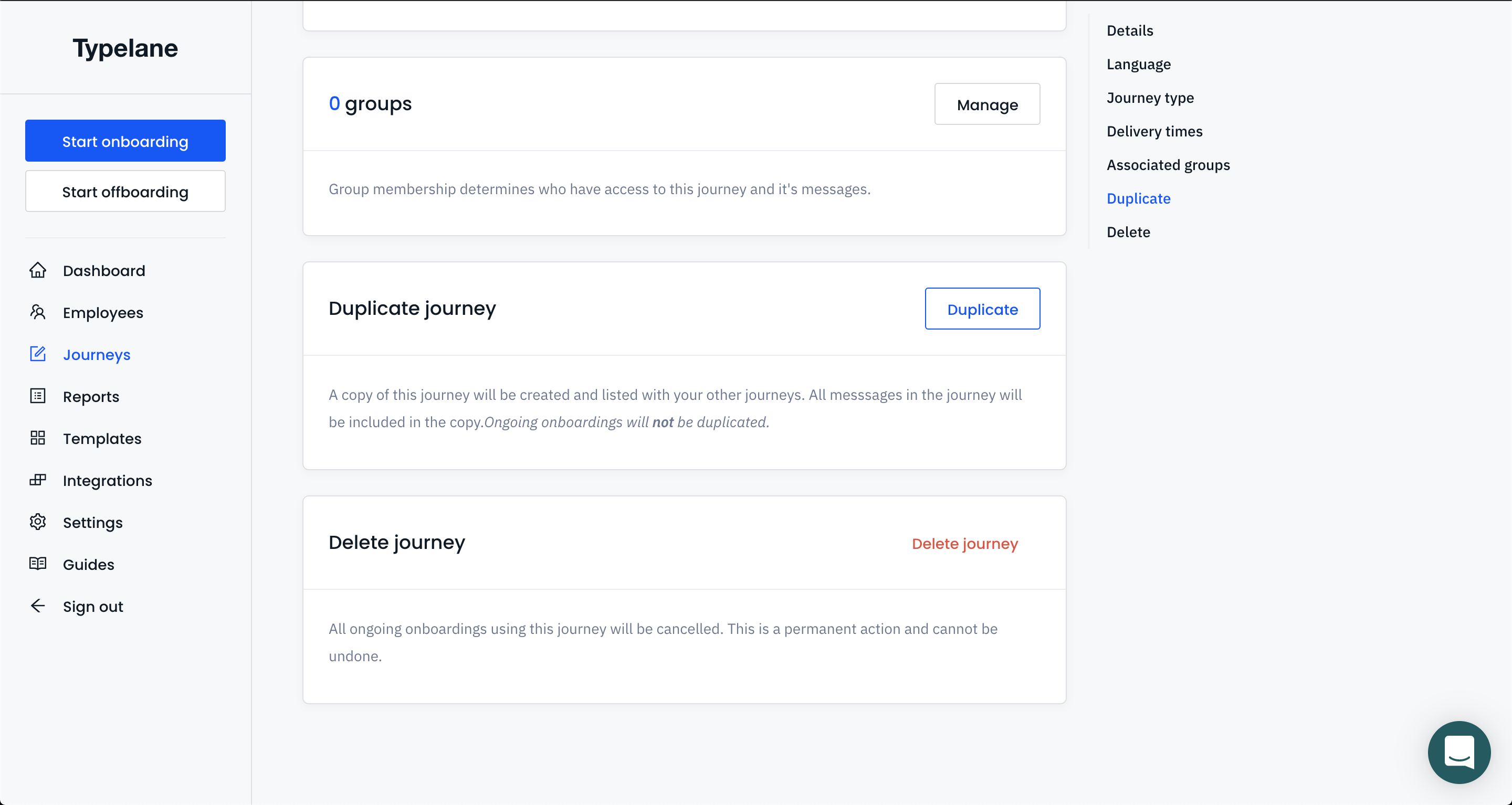
You can now make changes to the copy without affecting the original journey. Employees being on- or offboarded with the journey wont be affected by this action.
You can also create copies of messages!