
Completing tasks and answering questions
When an employee has tasks and questions scheduled in their on- or offboarding, they can in an easy way to answer them in the Portal.
When they open their message in the Portal they can simply check or answer any questions they have been asked to respond to.
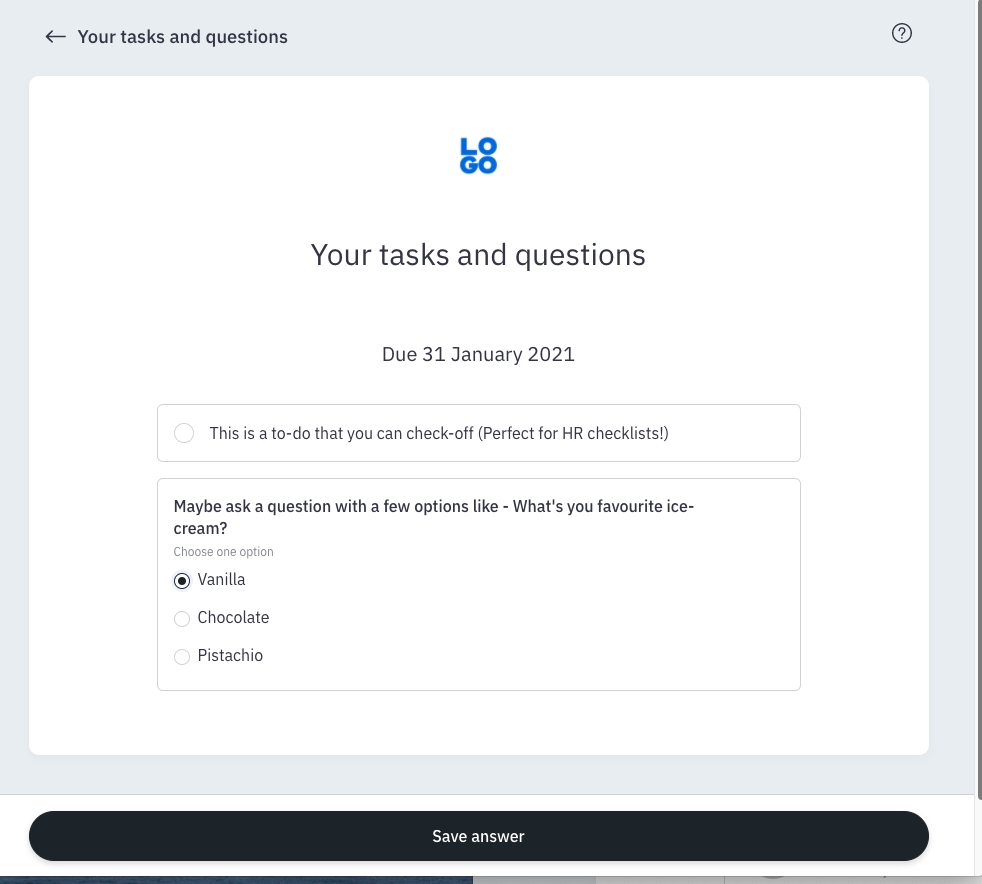
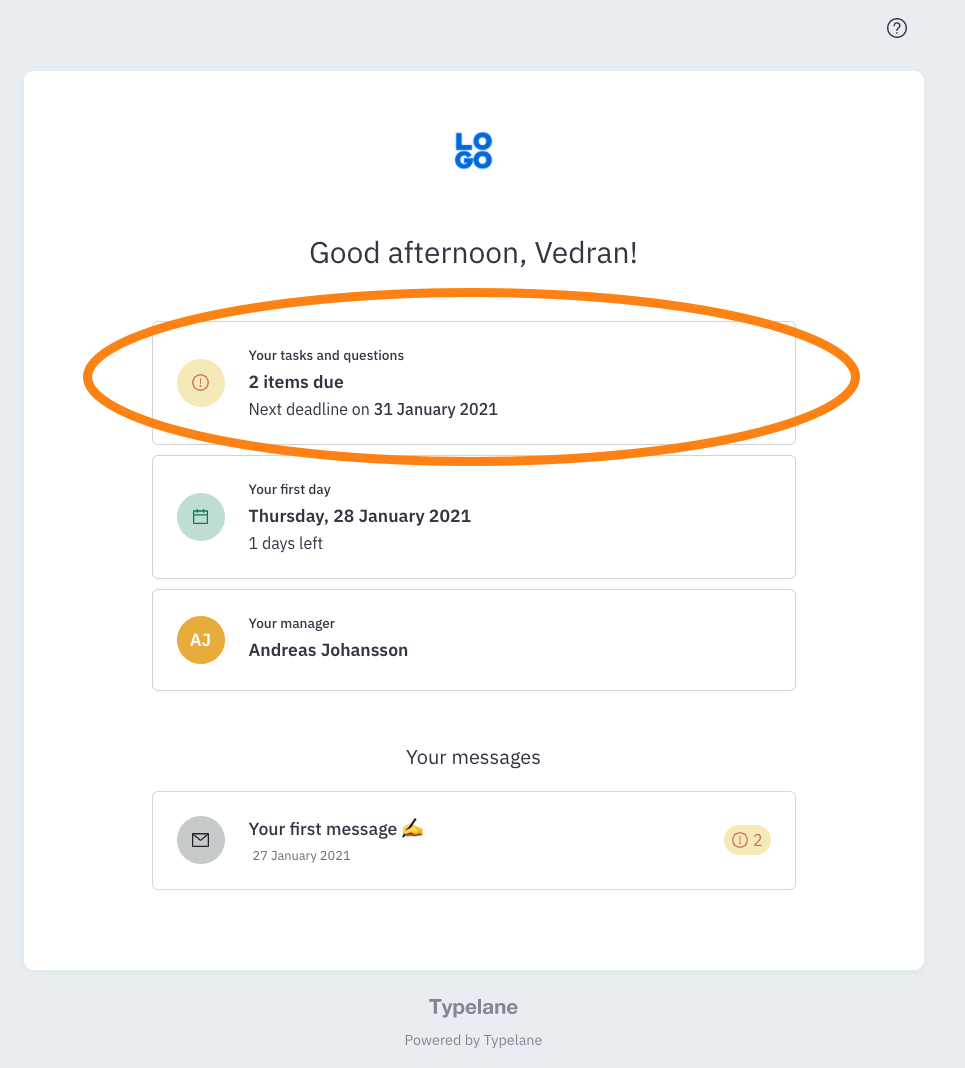
They can find a list of all their tasks and questions by going to the Home view and clicking the Tasks and questions widget.