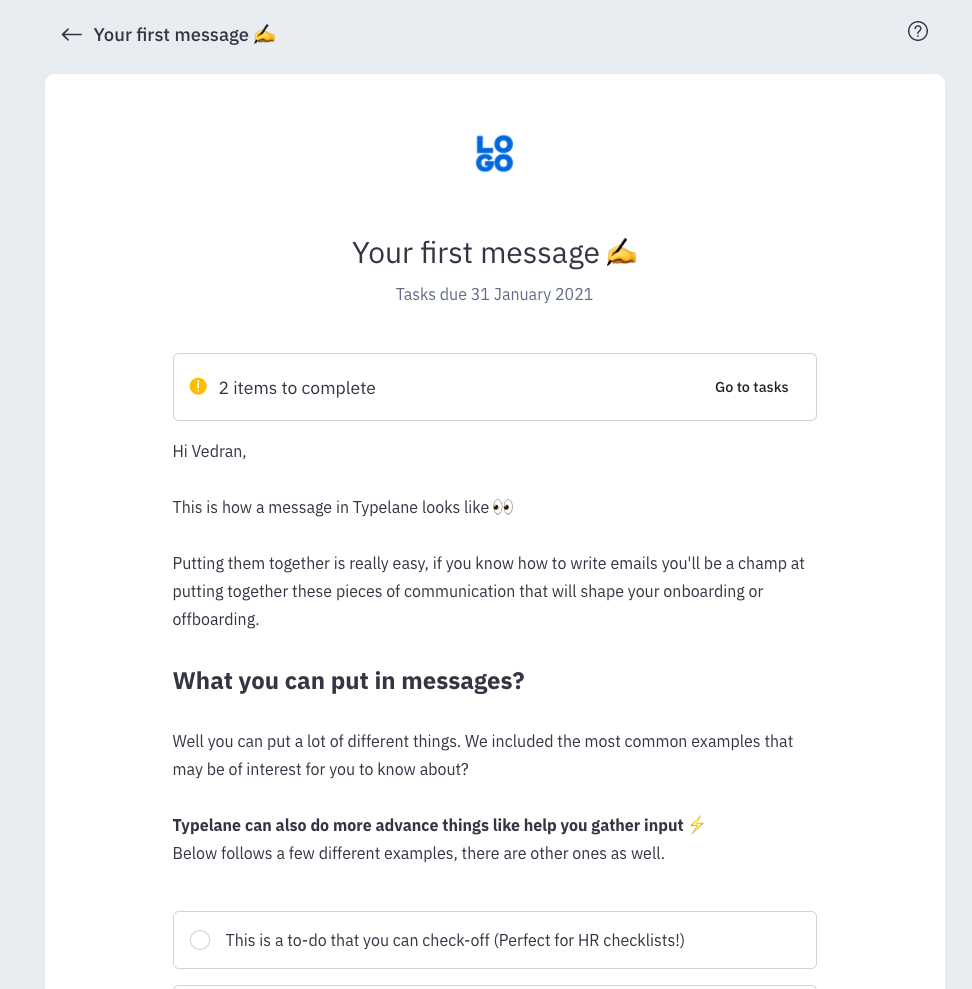

How messages look and connect to the portal
When a new hire is being onboarded or an employee is being offboarded they will receive the messages in the journey you’ve scheduled for them.
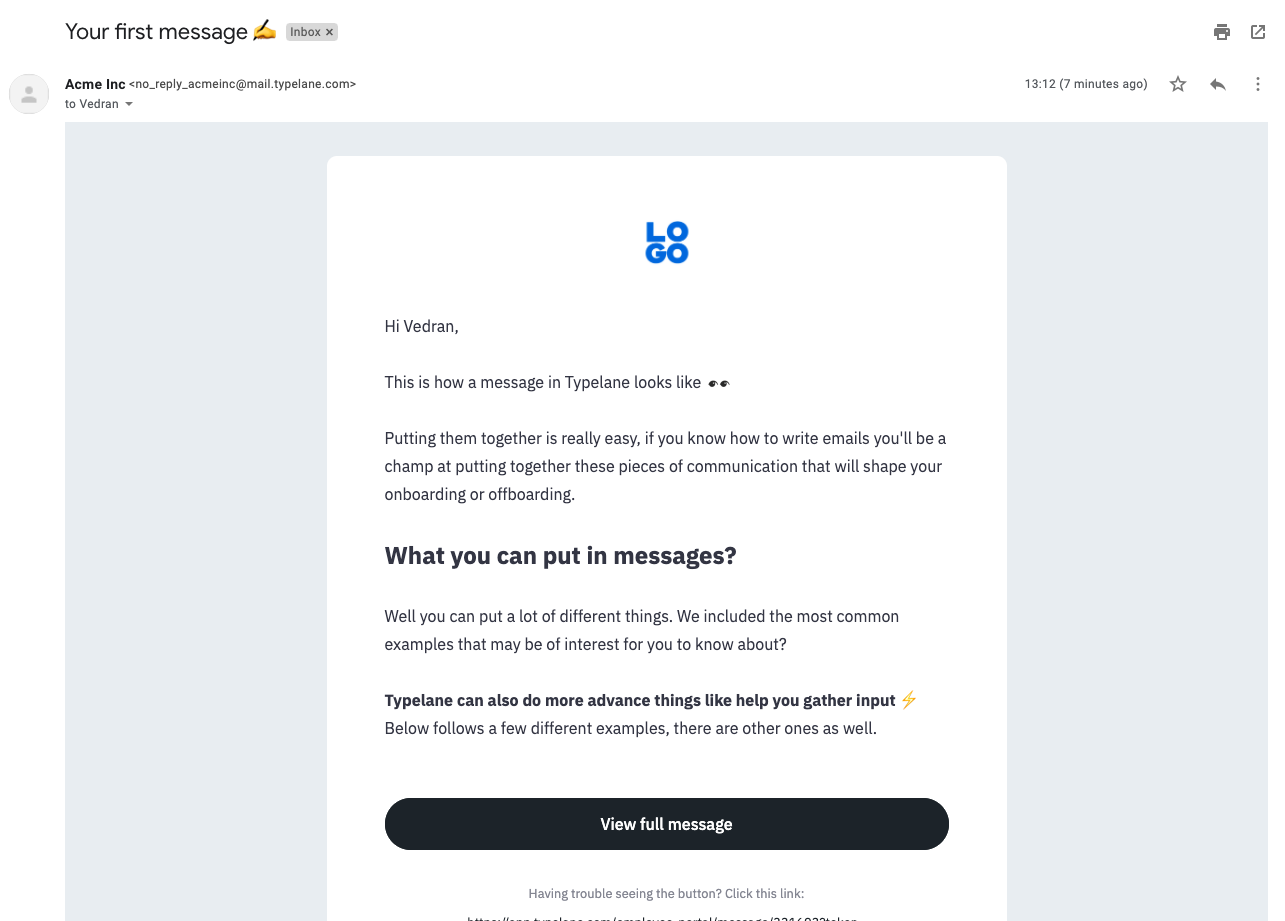
When they get their email in their inbox they can click View full message to go to the Employee portal.
The button will lead them to to the portal where they can view the entire message and answer any questions if they are necessary.